On-device scanning
Apple’s document camera and Vision read the text, and on-device Apple Intelligence helps find dates where your iPhone supports it. Passport machine-readable lines and warranty terms are recognised too.
Expiry and renewal tracker
Kounts Due keeps every expiry date and renewal in one calm place, so a lapsed passport, insurance policy or subscription never catches you out. Scan the document, check the date, and get reminded early enough to do something about it.
In review with Apple · iPhone and iPad, iOS 26 · Free when it lands

Three steps, and the last one is that you stop thinking about it.
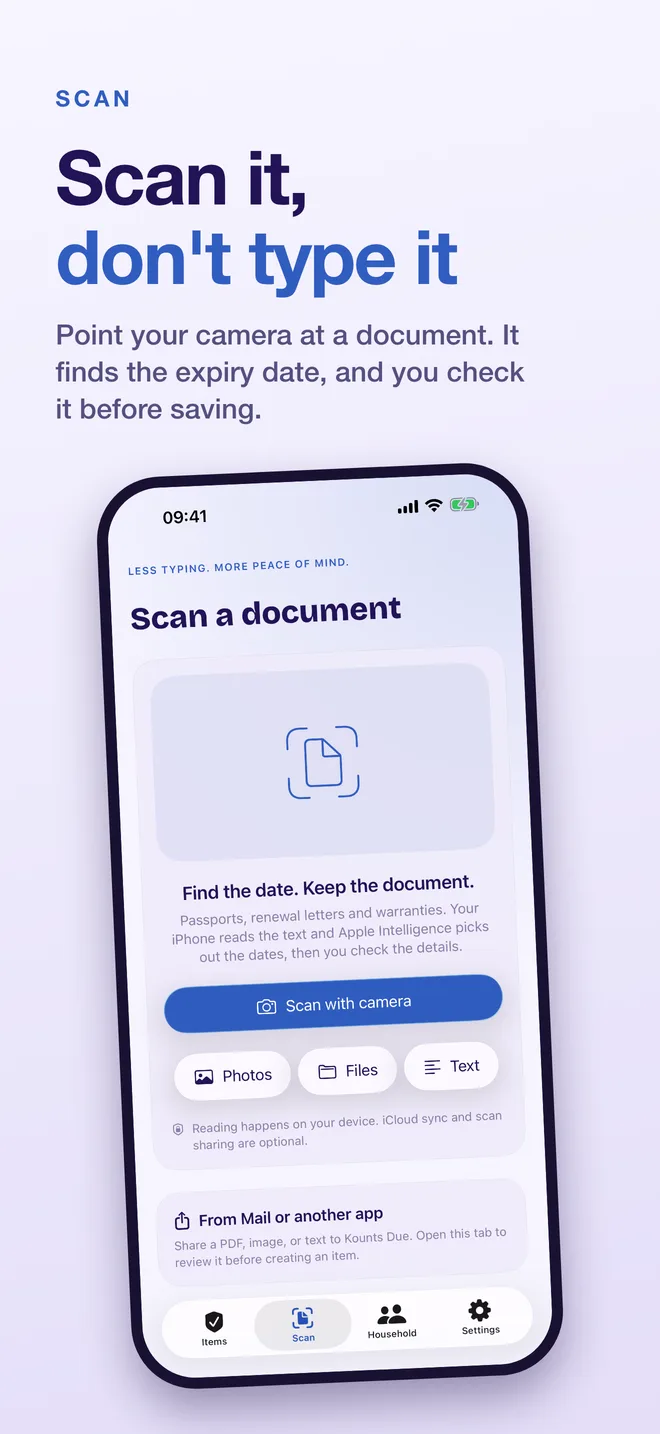
Point your iPhone at a passport, policy, warranty or renewal letter. The text is read on your device and the expiry date is suggested. You can also bring documents in from Photos, Files, pasted text, or the share sheet in Mail.
Document reading can make mistakes, so nothing is saved until you have looked at the date and ticked “I’ve checked the expiry date”. The scan stays attached to the item.
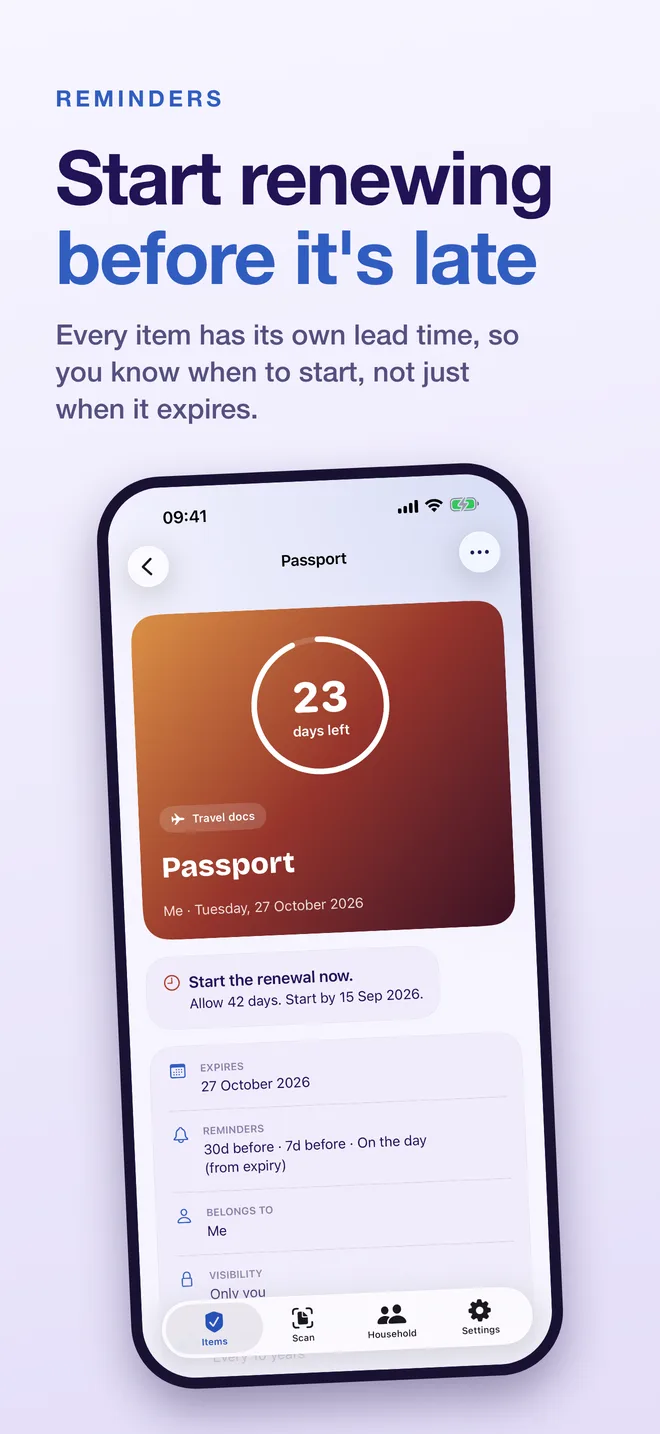
Each item has its own lead time, so Kounts Due tells you when to start renewing, not just when it runs out. Mark it renewed and the next date is set for you, with the old one kept in its history.
What is in version 1.0, and nothing that is not.
Apple’s document camera and Vision read the text, and on-device Apple Intelligence helps find dates where your iPhone supports it. Passport machine-readable lines and warranty terms are recognised too.
A lead time per item, from the day itself to 365 days ahead, plus gentle follow-ups if something goes overdue. Counted from the expiry or from when renewal opens.
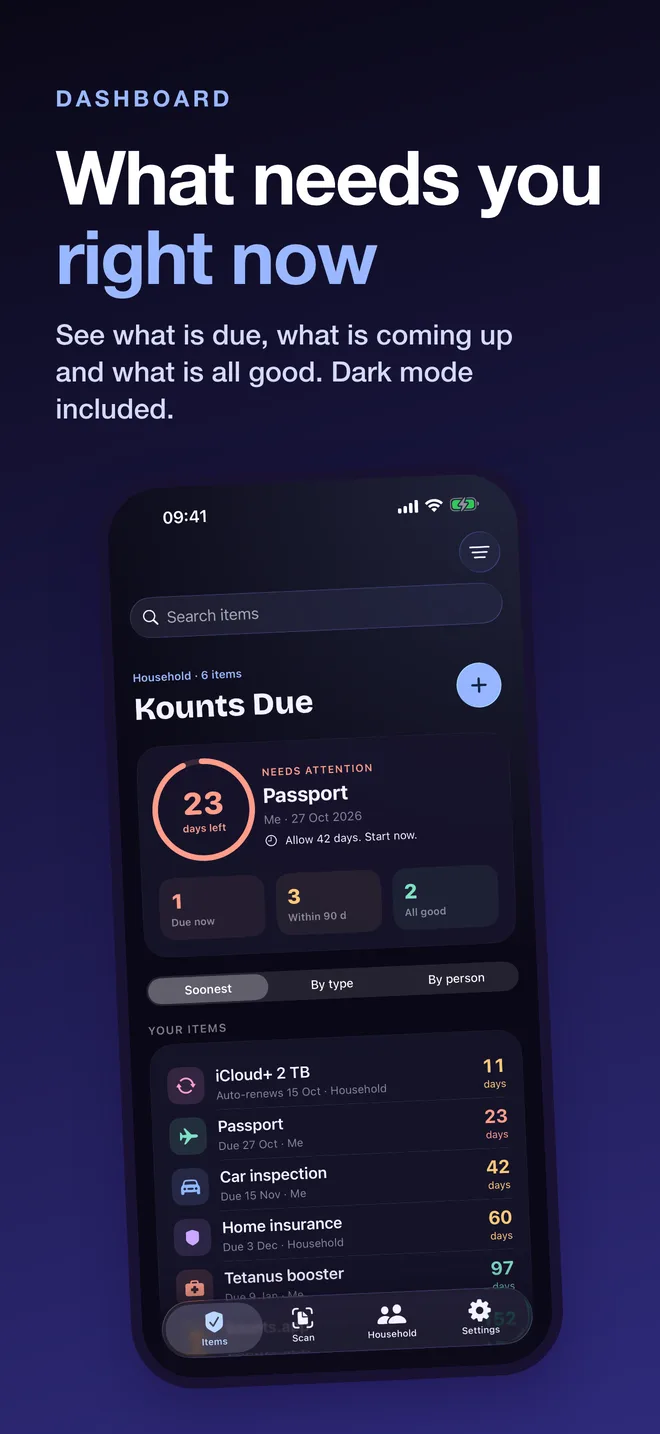
The dashboard splits everything into due now, due within 90 days, and all good. Search, sort by expiry, and group by type or by person. Light and dark.
Home Screen widgets in three sizes and Lock Screen widgets keep the next deadline in view. Start a Live Activity from any item to put it in the Dynamic Island.
Mark an item renewed and confirm the suggested next date. The previous expiry and its documents stay in the item’s history. Repeat cycles from monthly to every ten years, auto-renewals, costs and renewal links.
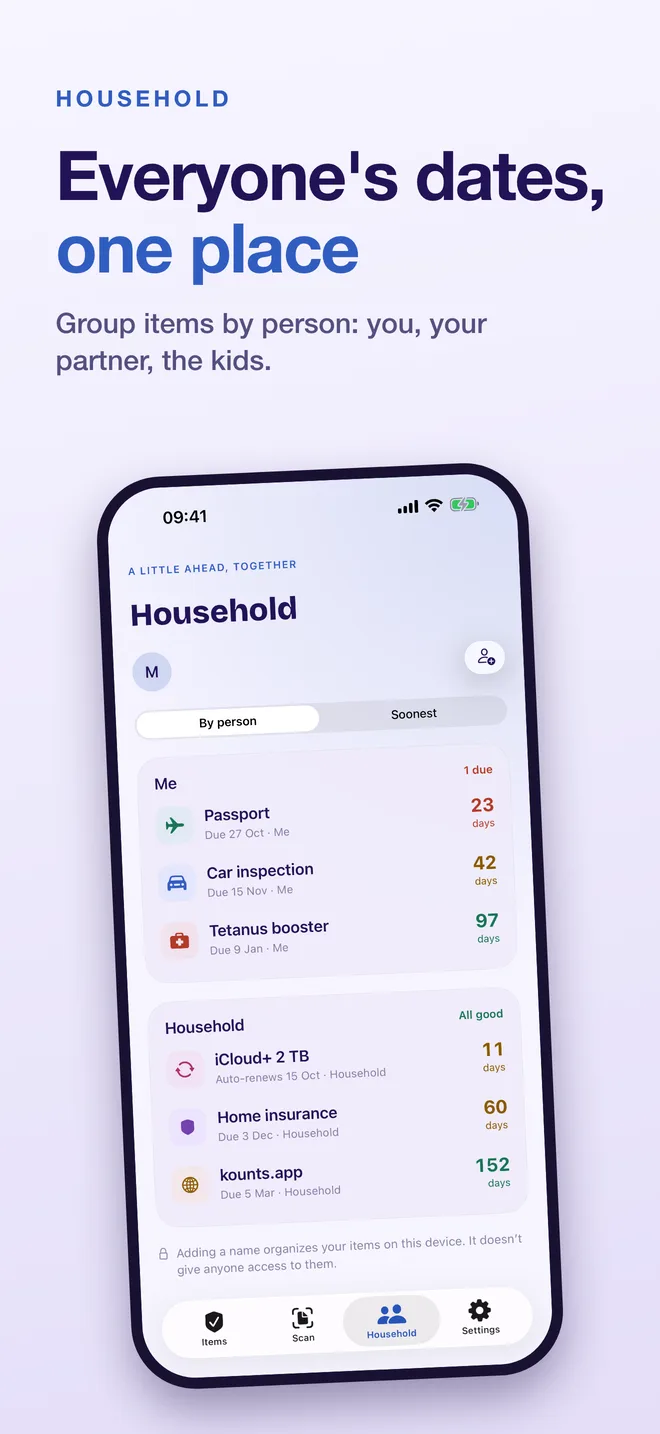
Name up to five people and group items by person: you, your partner, the kids. It organises your own library; it does not give anyone else access.
Eight categories, each with its own icon and colour. Not sure what is worth tracking? The guide to things that expire goes through them one by one.
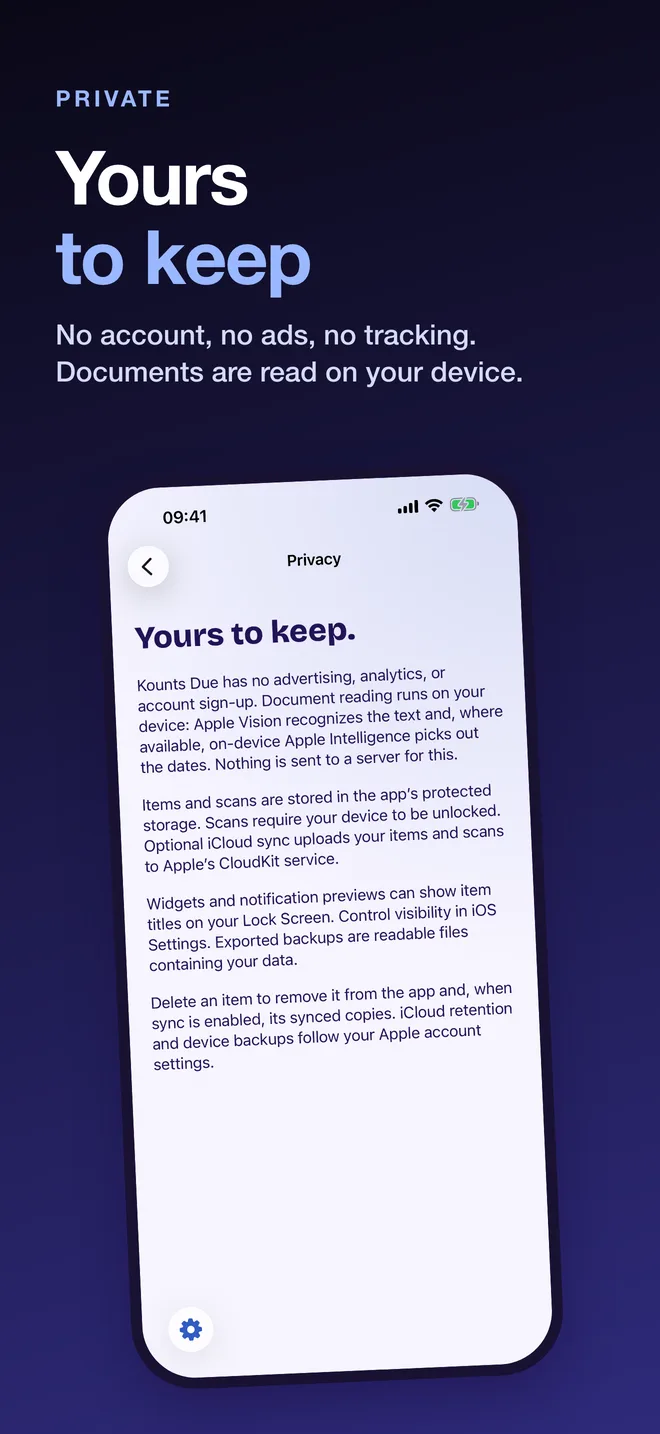
Your passport number and policy documents are about as personal as it gets, so Kounts Due keeps them off the internet. The developer has no servers, no accounts, no analytics and no ads. Documents are read on your device, and your items stay on your iPhone unless you turn on optional iCloud sync, which uses your own iCloud account.
Yes. Kounts Due 1.0 is free to download and has no subscription, no in-app purchase and no paywall. There are no ads either.
No. There is nothing to sign up for. Open the app, add your first item and it works. The developer has no servers and no way to see your items.
Point your iPhone at a passport, policy, warranty or renewal letter, or bring one in from Photos, Files, pasted text or the share sheet in Mail. The text is read on your device with Apple's Vision framework, and on-device Apple Intelligence helps pick out dates where your iPhone supports it. Kounts Due suggests the expiry date, and you have to tick "I've checked the expiry date" before anything is saved. Nothing is uploaded to read it.
On your iPhone, in the app's protected storage. Scans cannot be read while the device is locked. If you turn on the optional iCloud sync, items and scans are also stored in your own private iCloud account, which the developer cannot read. Settings has a Delete all data button that clears the device and iCloud, and you can export a readable backup at any time.
As early as you choose. Every item has its own lead time, from the day itself up to 365 days before, so a passport can nag you months ahead and a subscription a week ahead. If something goes overdue you get gentle follow-ups. iOS only allows 60 scheduled notifications at once, so Kounts Due tops the queue up in the background and whenever you open it.
Not in version 1.0. You can group items by person (you, your partner, the kids) so everyone's dates sit in one place on your own device, but inviting another Apple Account into a shared space is not part of this version.
iPhone and iPad, on iOS 26 or later. Camera scanning needs a physical device with a camera; scanning from Photos, Files or pasted text works anywhere. There is no Mac, Windows or Android version.
No. Kounts Due only counts down to the date you give it. Rules such as how long a passport must stay valid beyond a trip are set by the country and the airline, so always confirm important dates with the issuer of the document.
Something else? See Support or get in touch.
The renewal you forget is the one that costs you.
Kounts Due is a tool to help you remember. Always confirm important dates with the issuer of the document.